
How to Fix 404 Not Found Nginx Error: 20 Easy Ways
The "404 Not Found Nginx" error is a common issue that website administrators and developers encounter when using the Nginx web server. This error indicates that the server is unable to locate the requested resource, which could be a webpag...

11 min read
The "404 Not Found Nginx" error is a common issue that website administrators and developers encounter when using the Nginx web server. This error indicates that the server is unable to locate the requested resource, which could be a webpag...
- Understanding the 414 URI Too Large Nginx Error
- Why Does the 414 URI Too Large Nginx Error Occur?
- How to Fix 414 URI Too Large Nginx Error
The 414 URI Too Large Nginx error is a common issue that occurs when the length of a URL exceeds the default limit set by the Nginx web server. This error can disrupt user experience and prevent access to your website or application. In this article, we will explore the causes of this error, its implications, and provide a step-by-step guide on how to fix 414 URI Too Large Nginx error. By the end of this guide, you will have a clear understanding of how to resolve this issue and ensure your Nginx server runs smoothly.
Understanding the 414 URI Too Large Nginx Error
The 414 URI Too Large Nginx error is an HTTP status code that indicates the Uniform Resource Identifier (URI) requested by the client is longer than the server is willing to process. Nginx, by default, has a limit on the size of the URI it can handle. When this limit is exceeded, the server responds with a 414 Request-URI Too Large error.
This error typically occurs in scenarios where:
- Long Query Strings: URLs with excessively long query parameters.
- Complex API Requests: APIs that require large amounts of data to be passed via the URL.
- Misconfigured Nginx Settings: Default Nginx configurations that are not optimized for handling large URIs.
Why Does the 414 URI Too Large Nginx Error Occur?
The primary cause of the 414 URI Too Large Nginx error is the large_client_header_buffers directive in Nginx. This directive defines the maximum size and number of buffers used to store client request headers. By default, Nginx allocates a limited amount of memory for these buffers, which can lead to the 414 error if the URI exceeds this limit.
Other contributing factors include:
- Default URI Length Limit: Nginx has a default URI length limit of 8KB.
- Improper Nginx Configuration: Incorrect or outdated Nginx configurations can exacerbate the issue.
- Client-Side Issues: Clients sending excessively long URLs due to misconfigured applications or scripts.
How to Fix 414 URI Too Large Nginx Error
Fixing the 414 URI Too Large Nginx error involves modifying the Nginx configuration to accommodate larger URIs. Below is a detailed step-by-step guide to resolve this issue.
Step 1: Access Your Nginx Configuration File
To begin, you need to access the Nginx configuration file. This file is typically located at /etc/nginx/nginx.conf or /etc/nginx/sites-available/default. You can use a text editor like nano or vim to open the file.
sudo nano /etc/nginx/nginx.conf
Step 2: Locate the http or server Block
Once the configuration file is open, locate the http or server block. This is where you will make the necessary changes to fix the 414 URI Too Large Nginx error.
Step 3: Modify the large_client_header_buffers Directive
The large_client_header_buffers directive controls the size and number of buffers used for client request headers. To fix the 414 URI Too Large Nginx error, you need to increase the buffer size.
Add or modify the following line within the http or server block:
large_client_header_buffers 4 32k;
This configuration allocates four buffers, each with a size of 32KB. You can adjust these values based on your specific requirements.
Step 4: Adjust the client_header_buffer_size Directive
The client_header_buffer_size directive defines the size of the buffer used to store client request headers. Increasing this value can help prevent the 414 URI Too Large Nginx error.
Add or modify the following line within the http or server block:
client_header_buffer_size 64k;
This configuration sets the buffer size to 64KB.
Step 5: Save and Close the Configuration File
After making the necessary changes, save the file and exit the text editor. If you are using nano, press CTRL + X, then Y, and Enter to save and exit.
Step 6: Test the Nginx Configuration
Before applying the changes, it is essential to test the Nginx configuration to ensure there are no syntax errors. Run the following command:
sudo nginx -t
If the configuration is valid, you will see a message indicating that the syntax is OK and the test is successful.
Step 7: Reload Nginx
Once the configuration has been tested successfully, reload Nginx to apply the changes:
sudo systemctl reload nginx
Step 8: Verify the Changes
To verify that the 414 URI Too Large Nginx error has been resolved, test your website or application by sending a request with a long URI. If the error no longer occurs, the issue has been successfully fixed.
Additional Tips to Prevent 414 URI Too Large Nginx Error
- Optimize URLs: Avoid using excessively long URLs by optimizing query parameters and reducing unnecessary data.
- Use POST Requests: For APIs or forms that require large amounts of data, use POST requests instead of GET requests to avoid long URLs.
- Monitor Nginx Logs: Regularly monitor Nginx logs to identify and address potential issues before they escalate.
- Update Nginx: Ensure you are using the latest version of Nginx to benefit from performance improvements and bug fixes.
Common Mistakes to Avoid
- Over-Allocating Buffer Sizes: While increasing buffer sizes can resolve the 414 URI Too Large Nginx error, over-allocating can lead to excessive memory usage. Always allocate resources judiciously.
- Ignoring Syntax Errors: Failing to test the Nginx configuration after making changes can result in syntax errors that prevent the server from starting.
- Neglecting Security: Ensure that increasing buffer sizes do not expose your server to potential security vulnerabilities, such as buffer overflow attacks.
You may also like:
- How to Fix 403 Forbidden Error in NGINX Ubuntu
- How to Fix 404 Not Found Nginx Error
- How to Fix Error 520: Web Server Is Returning an Unknown Error
- How to Fix the HTTP 415 Error on Your Website
- How to fix “the uploaded file exceeds the upload_max_filesize directive in php.ini.” error
- How to Fix a 408 Request Timeout Error
Conclusion
The 414 URI Too Large Nginx error can be a frustrating issue for both website administrators and users. However, by understanding its causes and following the steps outlined in this guide, you can effectively resolve this error and ensure your Nginx server operates efficiently. Remember to optimize your URLs, use appropriate request methods, and regularly monitor your server's performance to prevent similar issues in the future.
By implementing the solutions provided in this article, you can confidently address the 414 URI Too Large Nginx error and maintain a seamless user experience on your website or application. If you encounter any challenges, refer to the Nginx documentation or seek assistance from the Nginx community for further support.
For more details, check out Nginx’s official documentation.
Website Vidya Team
Technology educator and researcher at Website Vidya.
Related Technical Guides
Tested runbooks, server administration walkthroughs, and troubleshooting guides
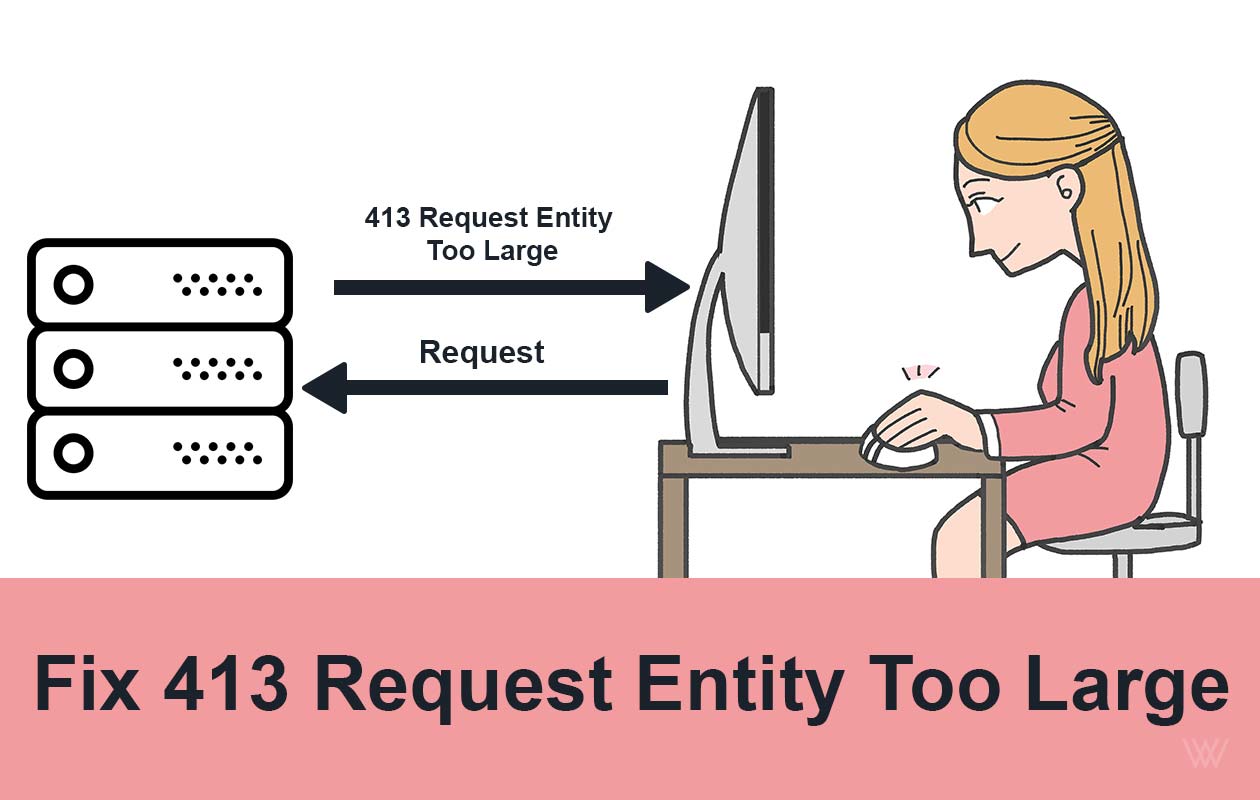
Fix 413 Request Entity Too Large Error on Nginx & Apache
Ever tried uploading a file or submitting a form, only to be greeted by the frustrating 413 Request Entity Too Large error? You’re not alone. This issue commonly pops up when your server thinks the data you’re sending is “too big” to handle...

How to Fix 413 Request Entity Too Large Nginx Ubuntu
How to fix 413 request Entity too large Nginx Ubuntu error? In the high-stakes world of web development and server administration, few errors are as simultaneously straightforward and frustrating as the HTTP 413 "Request Entity Too Large" e...
How to Fix 429 Too Many Requests Nginx Error: 10 Easy Ways
The "429 Too Many Requests Nginx" error is a common issue faced by web administrators and developers. This error occurs when a user sends too many requests to a server in a given amount of time, and the server responds with a 429 status cod...
How to Fix 414 URI Too Large Nginx Error: 8 Easy Steps
The 414 URI Too Large Nginx error is a common issue that occurs when the length of a URL exceeds the default limit set by the Nginx web server. This error can disrupt user experience and prevent access to your website or application. In thi...

How to Fix 400 Bad Request Error: 10 Easy Ways
Encountering an HTTP error can be frustrating, especially when the cause is unclear. One such error is the "400 Bad Request Error". This issue typically arises due to client-side problems, including incorrect syntax, invalid requests, or la...
How to Fix Error 520: Web Server Is Returning an Unknown Error
How to Fix Error 520? It's a frustrating and complex error code. It indicates that the web page is not reachable. There could be several reasons behind this error code 520. This article covers, what this error code means, why it occurs and ...

How to Install Lighttpd on Ubuntu 20.04 LTS - 5 Easy Steps
Introduction Lighttpd is a free, open-source web server which is also known as Lighty. It is a fast, secure, compliant, and extremely flexible webserver optimized for speed. Compared to other web-servers, Lighttpd consumes very less server ...

How to Increase File Upload Size in Nginx - 3 Simple Steps
By default, the maximum file upload size in NGINX is 1MB. If a user tries to upload a file bigger than this, the Nginx throws a “ 413 Request Entity Too Large ” error. So in this tutorial, we will learn how to increase file upload size in N...

How to Install Nginx on CentOS 7: 4 Easy Steps
Nginx is a high performance web server software. Many big brands like Google, Facebook, Microsoft, Apple, Yahoo! and LinkedIn prefers Nginx over Apache and any other web server. And why not, it is the most flexible and lightweight web serve...

How To Install NGINX on Ubuntu 18.04
Nginx is one of the most popular web servers. It is responsible for serving some of the largest websites and web apps on the internet. In this guide, we’ll discuss how to install Nginx on Ubuntu 18.04 server. How To Install NGINX on Ubuntu ...
Discussion
0No comments on this guide yet. Be the first to share your thoughts or ask a question!