
How to Fix 429 Too Many Requests Nginx Error: 10 Easy Ways
The "429 Too Many Requests Nginx" error is a common issue faced by web administrators and developers. This error occurs when a user sends too many requests to a server in a given amount of time, and the server responds with a 429 status cod...

8 min read
The "429 Too Many Requests Nginx" error is a common issue faced by web administrators and developers. This error occurs when a user sends too many requests to a server in a given amount of time, and the server responds with a 429 status cod...
- Understanding the 431 Request Header Fields Too Large Error
- Causes of the 431 Request Header Fields Too Large Error
- How to Fix 431 Request Header Fields Too Large Error
The 431 Request Header Fields Too Large error is an HTTP status code that indicates the server is refusing to process a request because the request's HTTP headers are too large. This error can be frustrating for both developers and users, as it disrupts the normal flow of web applications. In this article, we will explore the causes of the 431 Request Header Fields Too Large error, its implications, and detailed steps on how to fix 431 Request Header Fields Too Large errors. By the end of this guide, you will have a comprehensive understanding of how to resolve this issue effectively.
Understanding the 431 Request Header Fields Too Large Error
The 431 Request Header Fields Too Large error is part of the HTTP/1.1 specification and is defined by RFC 6585. It occurs when the total size of the request headers exceeds the server's limit. HTTP headers are essential for communication between the client (browser) and the server, as they carry metadata about the request, such as cookies, user-agent information, and authorization tokens.
When the combined size of these headers exceeds the server's configured limit, the server responds with a 431 Request Header Fields Too Large error. This error is primarily a server-side issue, but it can also be influenced by client-side behavior, such as excessive cookies or large authorization tokens.
Causes of the 431 Request Header Fields Too Large Error
Before diving into how to fix 431 Request Header Fields Too Large errors, it is crucial to understand the common causes:
- Excessive Cookies: Cookies are stored in the HTTP headers, and if too many cookies are set or if individual cookies are too large, the header size can exceed the server's limit.
- Large Authorization Tokens: Modern web applications often use tokens for authentication (e.g., JWT). If these tokens are excessively large, they can contribute to the header size.
- Proxy or Load Balancer Configuration: Intermediate proxies or load balancers may impose stricter limits on header sizes than the origin server.
- Server Configuration: The server itself may have a low limit for the maximum size of HTTP headers.
- Malicious Requests: In some cases, attackers may send requests with abnormally large headers to exploit vulnerabilities or disrupt services.
How to Fix 431 Request Header Fields Too Large Error
Now that we understand the causes, let's explore how to fix 431 Request Header Fields Too Large errors. The solutions can be categorized into server-side fixes, client-side fixes, and intermediate proxy fixes.
1. Increase the Server's Header Size Limit
The most straightforward way to resolve the 431 Request Header Fields Too Large error is to increase the server's maximum allowed size for HTTP headers. This can be done by modifying the server configuration.
For Nginx:
Nginx has a directive called large_client_header_buffers that controls the size and number of buffers used for large client headers. To increase the header size limit, edit your Nginx configuration file (usually located at /etc/nginx/nginx.conf or /etc/nginx/conf.d/default.conf) and add or modify the following line:
http {
    large_client_header_buffers 4 32k; # Adjust the buffer size as needed
}
This configuration allows four buffers, each 32 KB in size. You can adjust these values based on your requirements.
Check out the official Nginx documentation for Nginx configuration.
For Apache:
Apache uses the LimitRequestFieldSize directive to control the maximum size of HTTP request headers. To increase the limit, edit your Apache configuration file (usually located at /etc/httpd/conf/httpd.conf or /etc/apache2/apache2.conf) and add or modify the following line:
LimitRequestFieldSize 32768 # Adjust the size as needed (in bytes)
After making changes, restart the server to apply the new configuration.
For Node.js (Express):
If you're using Node.js with Express, you can adjust the header size limit by setting the maxHttpHeaderSize option when creating the HTTP server:
const http = require('http');
const server = http.createServer({
  maxHttpHeaderSize: 32768, // Adjust the size as needed
}, (req, res) => {
  // Your request handling logic
});
server.listen(3000);
2. Reduce the Size of HTTP Headers
If increasing the server's header size limit is not feasible, you can reduce the size of the HTTP headers being sent by the client.
Clear Unnecessary Cookies:
Cookies are a common culprit for large headers. Review the cookies being sent with each request and remove any that are unnecessary. You can use browser developer tools to inspect the cookies and identify redundant ones.
Optimize Authorization Tokens:
If your application uses large authorization tokens (e.g., JWTs), consider optimizing them. For example, you can reduce the payload size or use token compression techniques.
Minimize Custom Headers:
Avoid adding excessive custom headers to requests. Each header adds to the overall size, so only include essential headers.
3. Configure Intermediate Proxies and Load Balancers
If your application is behind a proxy or load balancer, these intermediaries may impose their own limits on header sizes. Check the configuration of your proxy or load balancer and adjust the header size limits if necessary.
For Nginx as a Reverse Proxy:
If Nginx is used as a reverse proxy, ensure that the large_client_header_buffers directive is configured appropriately, as shown earlier.
For AWS Elastic Load Balancer (ELB):
AWS ELB has a default header size limit of 8 KB. If your headers exceed this limit, consider using AWS Application Load Balancer (ALB), which supports larger header sizes.
4. Implement Header Compression
HTTP/2 and HTTP/3 support header compression, which can significantly reduce the size of HTTP headers. If your server and clients support these protocols, enabling them can help mitigate the 431 Request Header Fields Too Large error.
Enable HTTP/2 on Nginx:
To enable HTTP/2 in Nginx, add the http2 parameter to the listen directive in your server block:
server {
    listen 443 ssl http2;
    server_name example.com;
    # Other configurations
}
Enable HTTP/2 on Apache:
To enable HTTP/2 in Apache, ensure that the http2_module is enabled and add the following line to your configuration:
Protocols h2 h2c http/1.1
5. Monitor and Analyze Requests
To prevent the 431 Request Header Fields Too Large error from recurring, implement monitoring and logging to analyze incoming requests. This will help you identify patterns or anomalies that contribute to large headers.
Use Logging in Nginx:
Enable logging of request headers in Nginx to analyze their size:
log_format custom '$remote_addr - $remote_user [$time_local] "$request" '
                  '$status $body_bytes_sent "$http_referer" '
                  '"$http_user_agent" "$http_x_forwarded_for" "$request_length"';
access_log /var/log/nginx/access.log custom;
Use Logging in Apache:
Enable logging of request headers in Apache by adding the following line to your configuration:
LogFormat "%h %l %u %t \"%r\" %>s %b \"%{Referer}i\" \"%{User-Agent}i\" %I" custom
CustomLog /var/log/apache2/access.log custom
6. Handle the Error Gracefully
If the 431 Request Header Fields Too Large error cannot be avoided entirely, ensure that your application handles it gracefully. Provide a user-friendly error message and guide users on how to resolve the issue (e.g., clearing cookies or reducing header size).
Custom Error Page in Nginx:
Create a custom error page for the 431 error in Nginx:
error_page 431 /431.html;
location = /431.html {
    root /usr/share/nginx/html;
}
Custom Error Page in Apache:
Create a custom error page for the 431 error in Apache:
ErrorDocument 431 /431.html
You may also like:
- How to Fix 403 Forbidden Error in NGINX Ubuntu
- How to Fix 404 Not Found Nginx Error
- How to Fix Error 520: Web Server Is Returning an Unknown Error
- How to Fix the HTTP 415 Error on Your Website
- How to fix “the uploaded file exceeds the upload_max_filesize directive in php.ini.” error
- How to Fix a 408 Request Timeout Error
Conclusion
The 431 Request Header Fields Too Large error can be a challenging issue to resolve, but with the right approach, it is manageable. By understanding the causes and implementing the solutions outlined in this guide, you can effectively fix 431 Request Header Fields Too Large errors. Whether you choose to increase server limits, optimize headers, or enable header compression, the key is to strike a balance between security, performance, and usability.
Remember to monitor your application regularly and stay proactive in addressing potential issues. With these best practices, you can ensure a smooth and seamless experience for your users while maintaining the integrity of your web application.
Website Vidya Team
Technology educator and researcher at Website Vidya.
Related Technical Guides
Tested runbooks, server administration walkthroughs, and troubleshooting guides
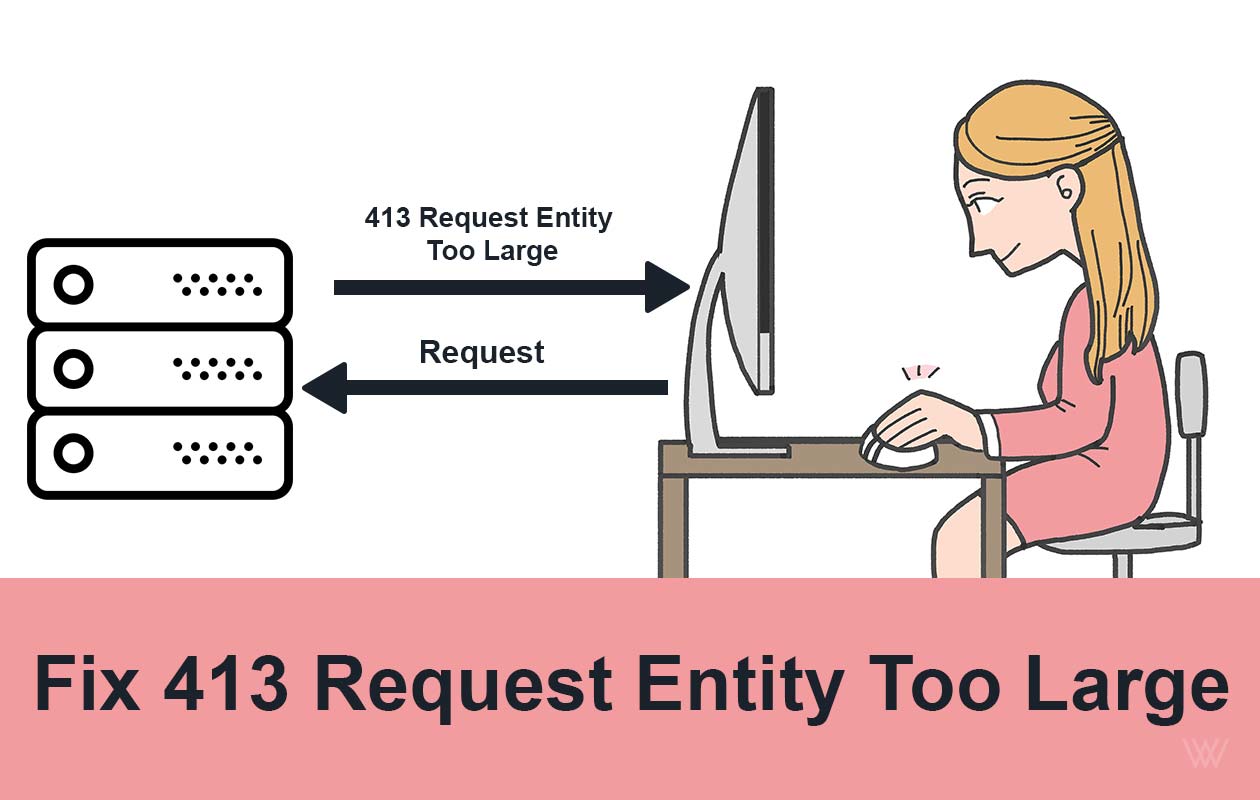
Fix 413 Request Entity Too Large Error on Nginx & Apache
Ever tried uploading a file or submitting a form, only to be greeted by the frustrating 413 Request Entity Too Large error? You’re not alone. This issue commonly pops up when your server thinks the data you’re sending is “too big” to handle...

How to Fix 413 Request Entity Too Large Nginx Ubuntu
How to fix 413 request Entity too large Nginx Ubuntu error? In the high-stakes world of web development and server administration, few errors are as simultaneously straightforward and frustrating as the HTTP 413 "Request Entity Too Large" e...

How to Fix 414 URI Too Large Nginx Error: 8 Easy Steps
The 414 URI Too Large Nginx error is a common issue that occurs when the length of a URL exceeds the default limit set by the Nginx web server. This error can disrupt user experience and prevent access to your website or application. In thi...

How to Fix 404 Not Found Nginx Error: 20 Easy Ways
The "404 Not Found Nginx" error is a common issue that website administrators and developers encounter when using the Nginx web server. This error indicates that the server is unable to locate the requested resource, which could be a webpag...

How to Fix 400 Bad Request Error: 10 Easy Ways
Encountering an HTTP error can be frustrating, especially when the cause is unclear. One such error is the "400 Bad Request Error". This issue typically arises due to client-side problems, including incorrect syntax, invalid requests, or la...

How to Fix Error 520: Web Server Is Returning an Unknown Error
How to Fix Error 520? It's a frustrating and complex error code. It indicates that the web page is not reachable. There could be several reasons behind this error code 520. This article covers, what this error code means, why it occurs and ...

How to Install Lighttpd on Ubuntu 20.04 LTS - 5 Easy Steps
Introduction Lighttpd is a free, open-source web server which is also known as Lighty. It is a fast, secure, compliant, and extremely flexible webserver optimized for speed. Compared to other web-servers, Lighttpd consumes very less server ...

How to Increase File Upload Size in Nginx - 3 Simple Steps
By default, the maximum file upload size in NGINX is 1MB. If a user tries to upload a file bigger than this, the Nginx throws a “ 413 Request Entity Too Large ” error. So in this tutorial, we will learn how to increase file upload size in N...

How to Install Nginx on CentOS 7: 4 Easy Steps
Nginx is a high performance web server software. Many big brands like Google, Facebook, Microsoft, Apple, Yahoo! and LinkedIn prefers Nginx over Apache and any other web server. And why not, it is the most flexible and lightweight web serve...

How To Install NGINX on Ubuntu 18.04
Nginx is one of the most popular web servers. It is responsible for serving some of the largest websites and web apps on the internet. In this guide, we’ll discuss how to install Nginx on Ubuntu 18.04 server. How To Install NGINX on Ubuntu ...
Discussion
0No comments on this guide yet. Be the first to share your thoughts or ask a question!